Solo lead
One selfie in. Glass up, a wave, then the scan.
Drake's Burning Bridges trend
Upload one photo and get a 9:16 Burning Bridges AI video of you leading the chandelier party from Drake's music video: the walk-in, the toast and the "where she at" scan. No watermark.
Use a photo of yourself or someone who's OK with it.
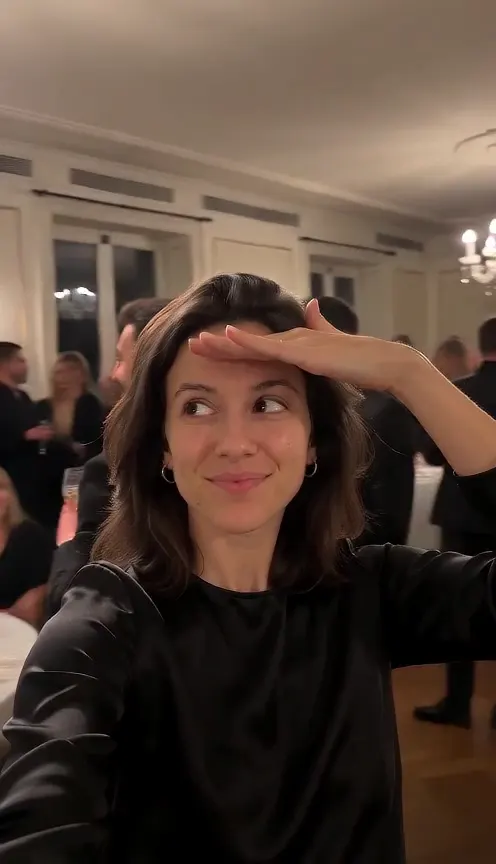
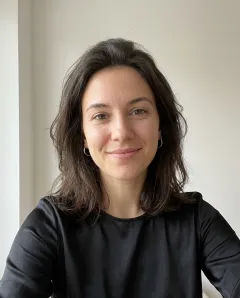
Three Burning Bridges AI videos made with the tool on this page at 480P. The small photo in the corner is the only input each one needed.
One selfie in. Glass up, a wave, then the scan.
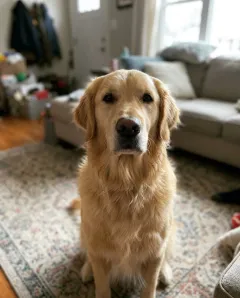
Pet prompt. The guests cheer and the paw goes up.
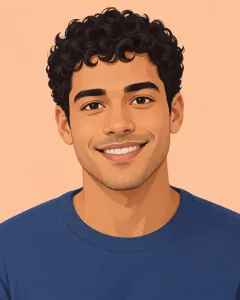
An illustrated avatar in. The default prompt turns the lead into a real person.
The Burning Bridges AI trend puts you in the party scene from Drake's "Burning Bridges" music video. A Drake Burning Bridges AI video turns one photo into a vertical clip: you lead a chandelier-lit room, raise a glass, then shade your eyes and scan the crowd, the move fans call "where she at".
Early versions swapped faces into the original footage. The one-photo version here builds the whole scene around you, so there is no clip to find or trim.
It is a line from the chorus. The lead shades the eyes with one flat hand and slowly scans the room for someone who is not there.
At Sotto Sotto, an Italian restaurant in Toronto's Yorkville. The template's chandeliers, white tablecloths and warm light follow that room.
How the trend took off
On Drake's album Iceman, with a party video shot in Toronto.
Drake does "where she at" in the World Cup stands and fans copy it.
One photo puts you, your pet or an avatar in the lead.
Every Burning Bridges AI video hits the same four beats.
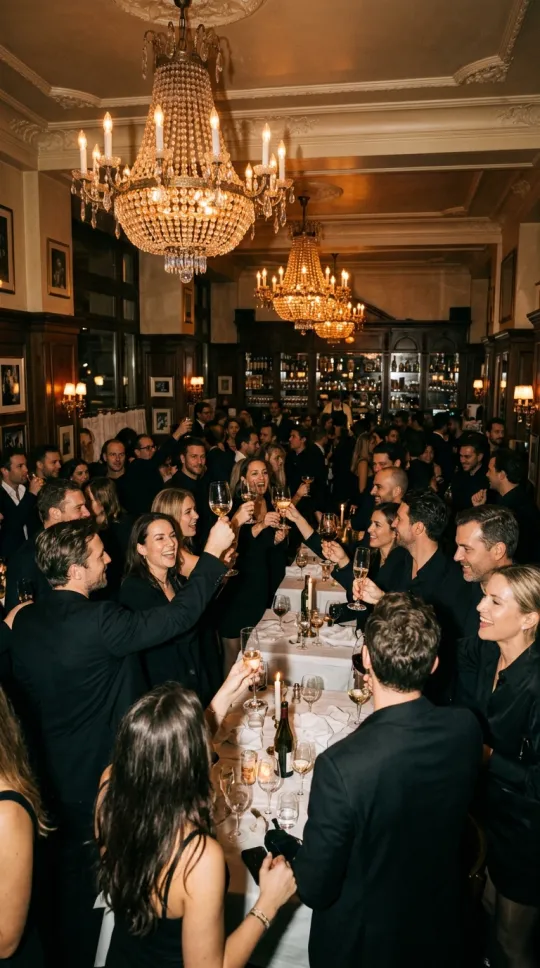
Chandeliers, white tablecloths and a packed crowd in warm light.
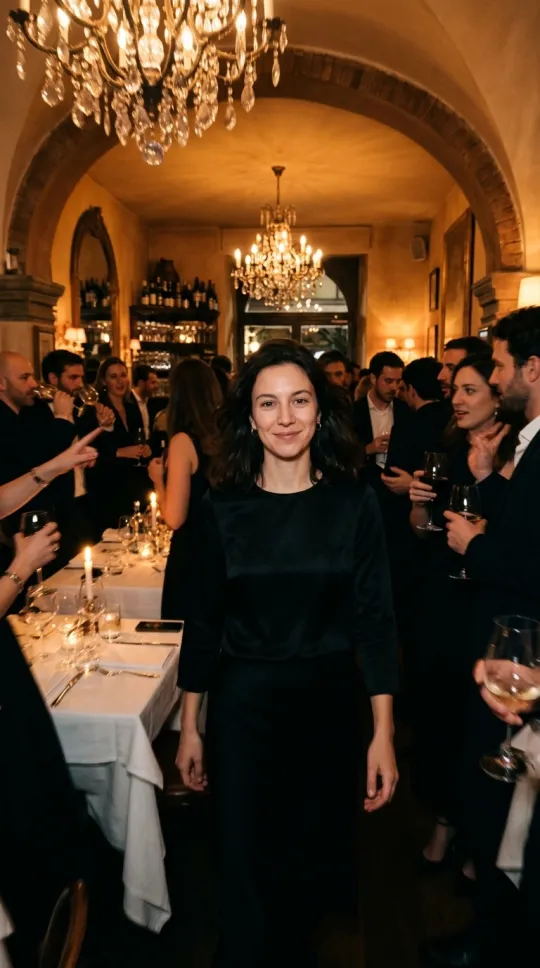
The camera stays close as you move through your friends.
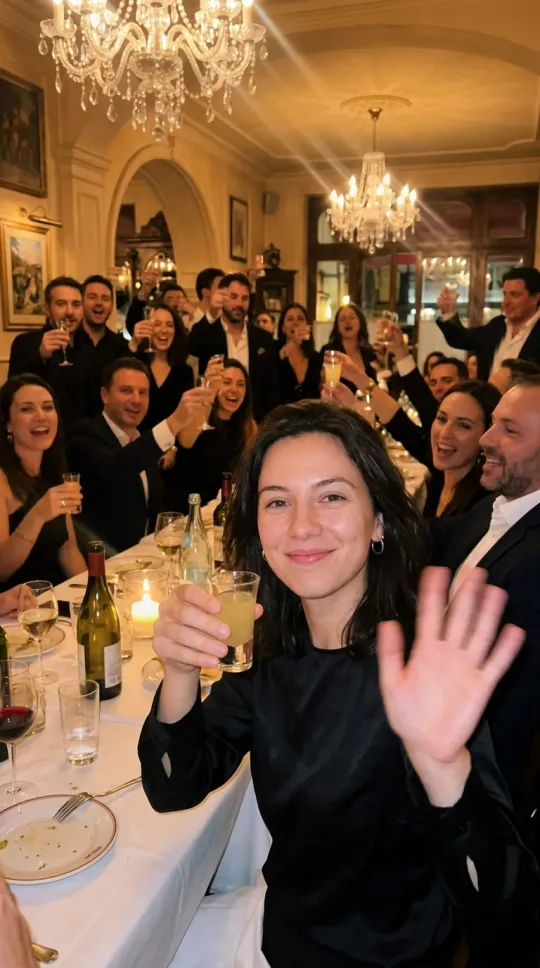
A small glass raised to the lens, then a wave.
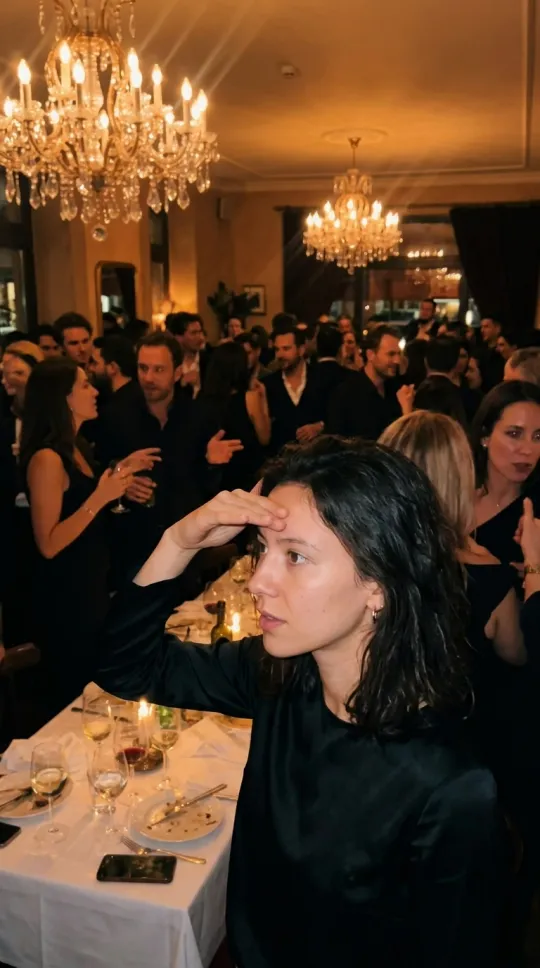
One hand over your eyes and a slow scan of the room.
Frames are illustrations of each beat, not output from the tool.
Press Use this prompt to load one into the tool above, or copy it into any video model that takes a reference photo.
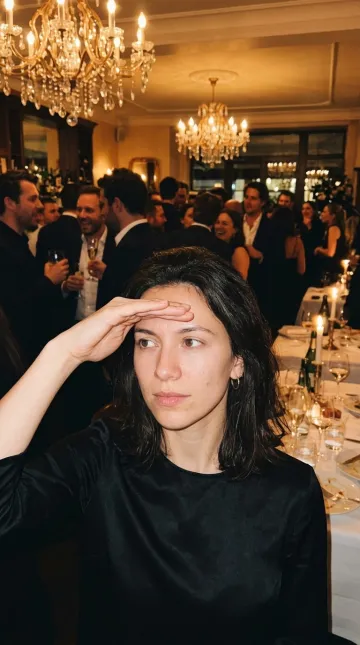
The full template, from walk-in to scan. Start here.
The subject in @Image1 is the lead of a late-night party in an upscale Italian restaurant: dim warm light, crystal chandeliers, white tablecloths, a close crowd of friends dressed in black. Vertical handheld phone footage, the camera stays close to the lead and moves with them. The lead walks through the crowd toward the camera with easy confidence, raises a small glass to the lens and waves an open hand, then holds one flat hand above the eyes and turns slowly, scanning the room as if looking for someone. Friends cheer and move in the background. Keep the face, hairstyle and outfit from @Image1 exactly the same. Realistic, cinematic, warm amber tones, light film grain. No text, no captions.
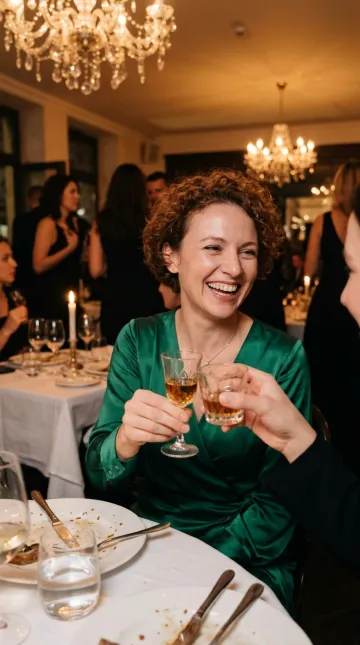
Tight on your face for the glass, the clink and the wave.
The subject in @Image1 stands at the center of a packed late-night restaurant party under crystal chandeliers, friends in black pressed in close. The camera starts tight on the face, the subject lifts a small glass to the lens, clinks it with a friend and laughs, then waves an open hand at the camera while the crowd cheers. Keep the face, hairstyle and outfit from @Image1 exactly the same. Vertical handheld phone footage, realistic, cinematic, warm amber tones, light film grain. No text, no captions.
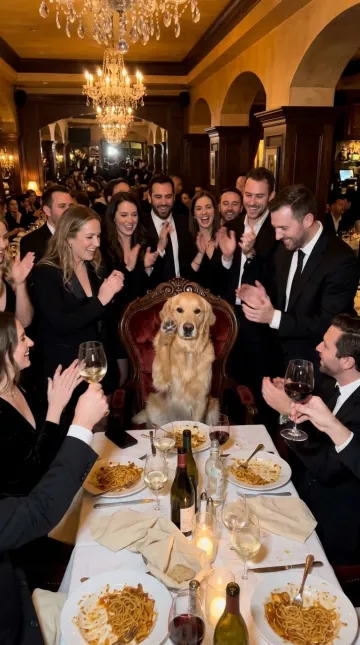
For a dog or cat. Your pet lifts a paw for the scan.
The animal in @Image1 is the guest of honor at a late-night party in an upscale restaurant: crystal chandeliers, white tablecloths, a close crowd of people dressed in black cheering for it. The camera moves in close as the animal looks around the room, lifts one front paw up near its eyes and turns its head slowly from side to side, as if searching the crowd for someone. Keep the breed, fur color and markings from @Image1 exactly the same. Vertical handheld phone footage, realistic, cinematic, warm amber tones, light film grain. No text, no captions.
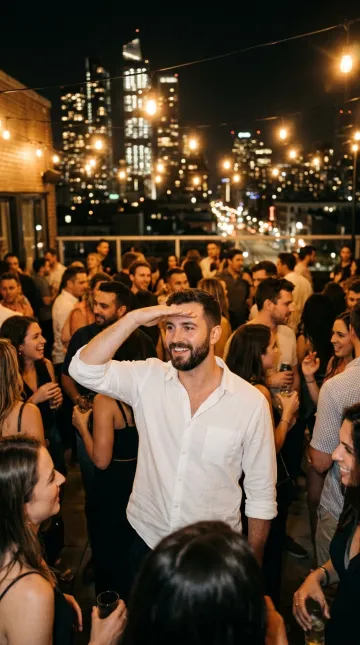
Same moves under string lights and a city skyline.
The subject in @Image1 leads a night party on a city rooftop: warm string lights overhead, a glowing skyline behind, a close crowd of friends. The camera follows the subject walking toward the lens and raising a small glass, then the subject holds one flat hand above the eyes and turns slowly to scan the rooftop. Keep the face, hairstyle and outfit from @Image1 exactly the same. Vertical handheld phone footage, realistic, cinematic, warm amber tones, light film grain. No text, no captions.
Each prompt keeps @Image1, which stands for your photo. The stills are illustrations.
Your photo decides how much the lead looks like you.
Face visible and well lit. A casual selfie is enough.
Both eyes visible, no other animals.
One character, facing front.
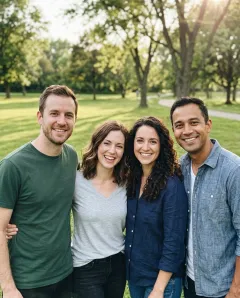
The model can't tell who leads. Crop to one person.
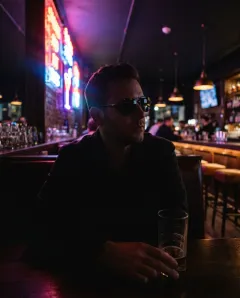
Hidden eyes and shadow lose your face.
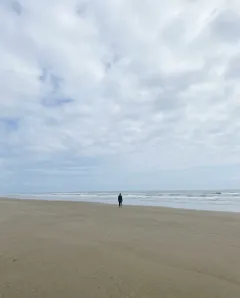
The face is too small for the model to keep.
What each method needs and what you get back.
| What to compare | Face swap into the music video | This pageOne photo template | Your own prompt |
|---|---|---|---|
| What you upload | A trimmed clip and face photos | One photo | A photo and your prompt |
| Music video footage | Yes, the original room | No, a new room around you | No, a room from your prompt |
| Prompt writing | None | None, it is built in | You write and test it |
| Sound | Depends on the tool | Silent, add it when you post | Depends on the model |
| Best for | A near copy of the scene | A quick clip on trend | Full control |
Want your own prompt? Open Customize the scene in the tool above and the third method works on this page too.
Four steps from one photo to a posted Burning Bridges AI video.
One subject, face visible. Pets and illustrated avatars work too.
5 seconds covers the walk-in and the scan. 10 or 15 seconds adds the toast.
Press Make my video and keep the page open. Your Burning Bridges AI video appears in the preview, ready to download.
Upload to TikTok or Reels, add the Burning Bridges sound and line up the scan with "where she at".
Costs, sound, photos, watermarks and who can lead your Burning Bridges AI video.
Each video uses credits. A 5 second clip costs 25 credits at 480P and 50 credits at 720P, and the price shows on the button before you start. New accounts get 10 free credits, and credit packs cover the rest.
No. Your Burning Bridges AI video is silent, so you add the official sound inside TikTok, Instagram Reels or YouTube Shorts when you post. Using the platform sound also places your video on the trend's sound page.
No. One photo is all it takes. The scene is generated around you, so you never upload or edit footage from the music video.
Creators use several image to video models. The Burning Bridges AI video generator on this page runs Seedance 2 Mini with the template prompt built in, so you only add a photo.
Yes. A dog, a cat or an illustrated avatar can lead the party. Use the Pet takeover prompt for animals. The default prompt renders an avatar as a real person; to keep the drawn look, open Customize the scene and swap "Realistic" for your art style.
Yes, when your friend is OK with it. Upload a clear photo of them, then send them the download.
No. AlephAI adds no watermark, so the clip is ready to post as it is.
No. Use a photo of yourself or someone who's OK with it. The template puts you in charge of the room. It is not for copying a real person.
No. AlephAI is not affiliated with Drake or OVO Sound, and the template never uses footage or audio from the music video.
No. That is a separate project that releases AI generated songs. This page makes videos of the party scene from Drake's "Burning Bridges" music video.
Liked this one? These effects also start from a single photo.
One photo, one tap, and the chandeliers are yours.